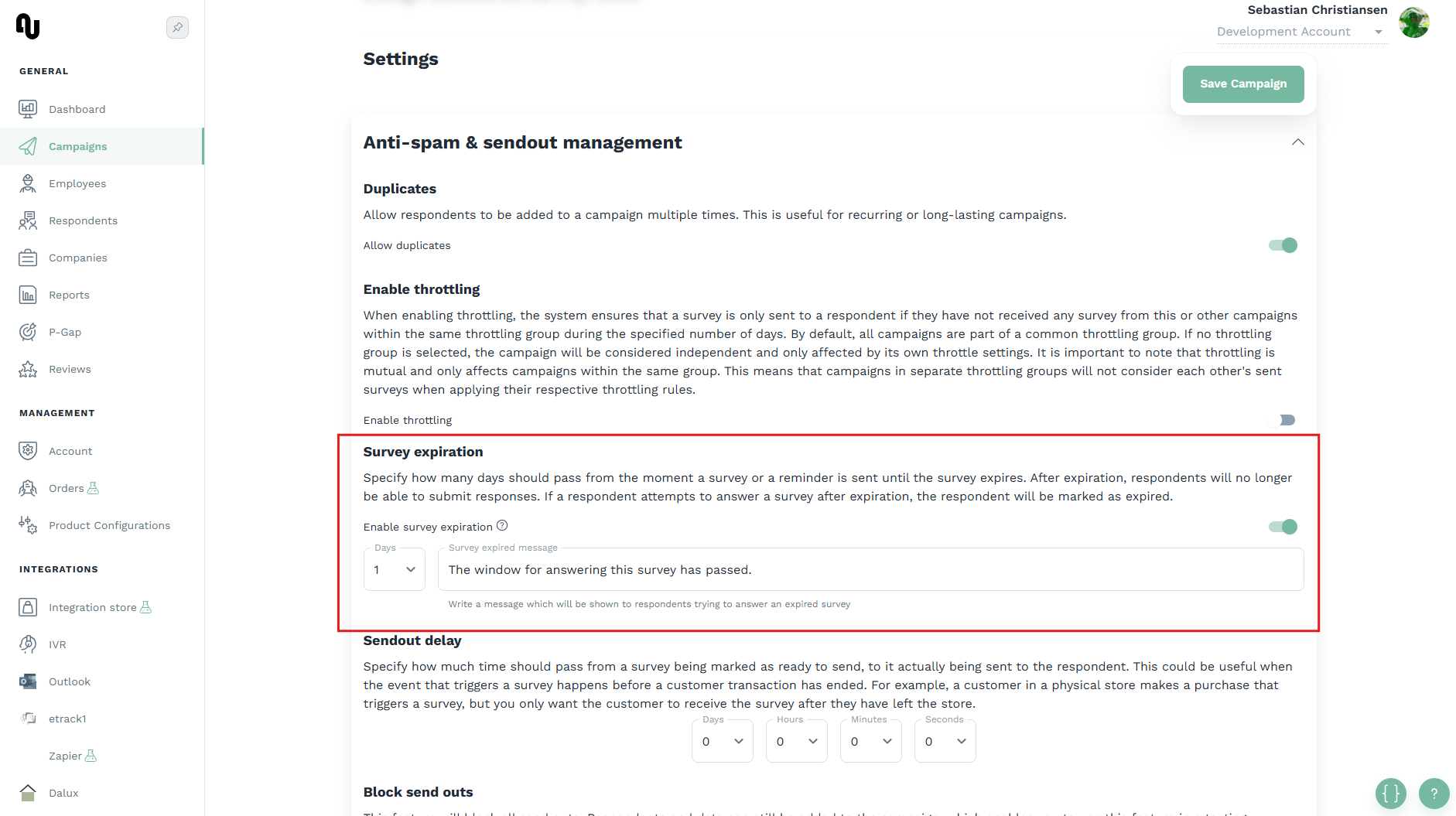
How to set up survey expiration
You can set up an amount of days that should pass before a survey is considered expired, and can no longer be answered by the respondent who received it. When a respondent tries accessing a survey after it has expired they will be met with a survey expired page, instead of the standard survey flow. A survey is considered expired if the specified survey expiration days have passed since the respondent received the survey. If a reminder is sent to the respondent, the survey expiration will be calculated from when the respondent received the reminder.
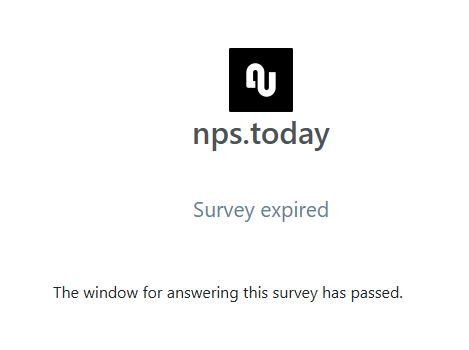
The text shown to the user can be customized on a per campaign basis.
Info
Survey expiration is not available for universal link campaigns.
See how to enable the feature below
Survey expiration can be enabled in the "Anti-spam & sendout management" section when editing a campaign.