Human verification on surveys
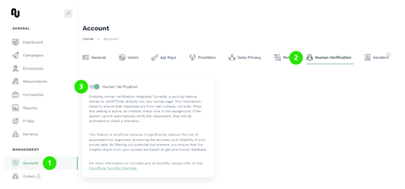
Enable this feature by going to “Account” -> “Human verification”.
How does it works
Enabling Human Verification integrates Turnstile, a security feature similar to reCAPTCHA, directly into your survey page. This mechanism helps to ensure that responses are from real humans, not bots. When this setting is active, an invisible check runs in the background. If the system cannot automatically verify the respondent, they will be prompted to check a checkbox.
This feature is beneficial because it significantly reduces the risk of automated bot responses, enhancing the accuracy and reliability of your survey data. By filtering out potential bot answers, you ensure that the insights drawn from your surveys are based on genuine human feedback.
For more information on Turnstile and its benefits, please refer to this Cloudflare Turnstile Overview.
How it looks
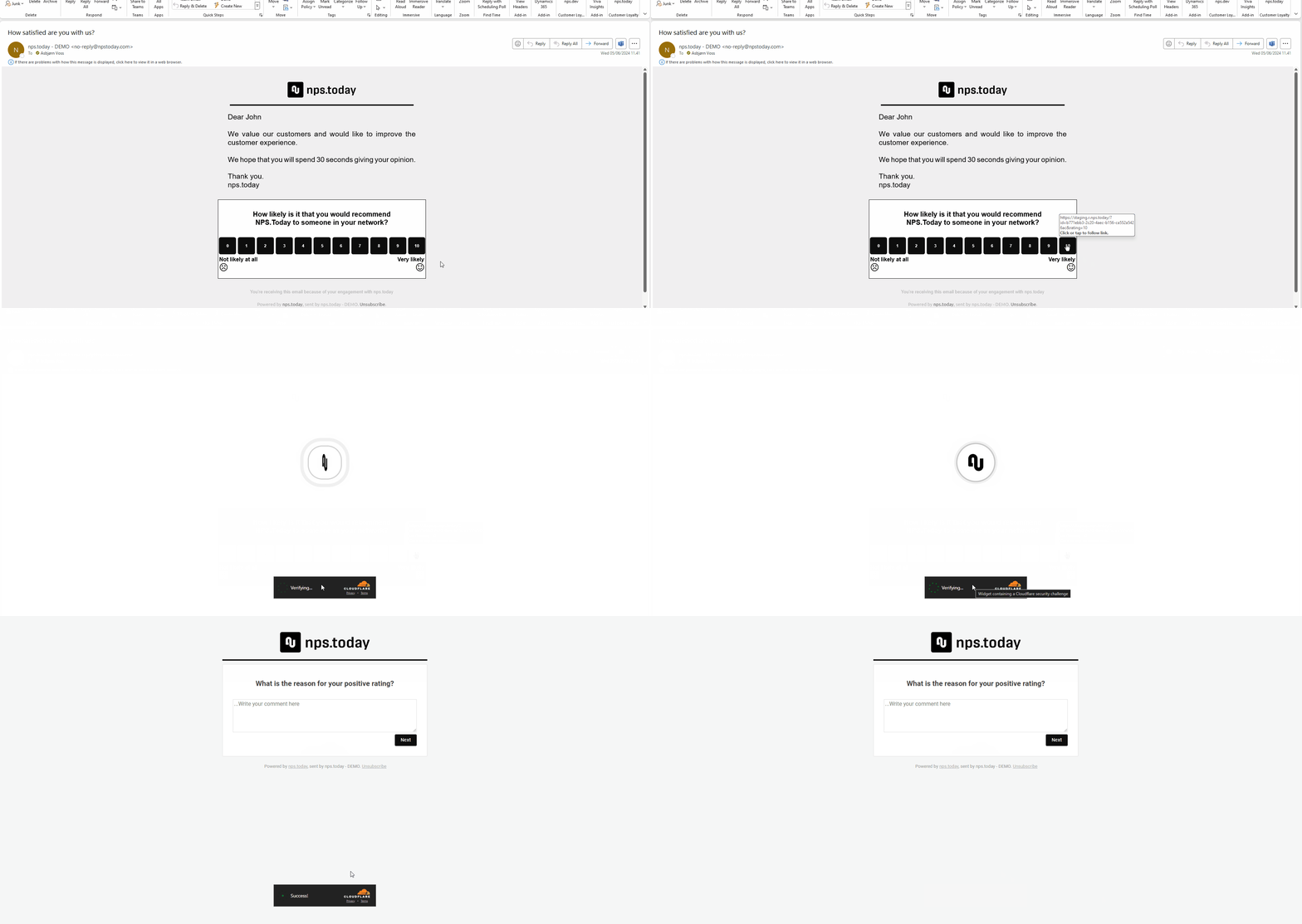
When opening a survey a verification box may show.
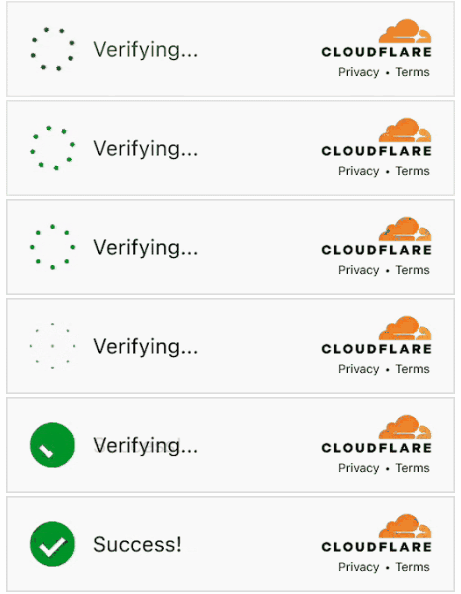
This is how it will look when opening a survey.
Can't catch them all
Although this is a very effective tool to prevent bot answers, we can't guarantee to catch them all.