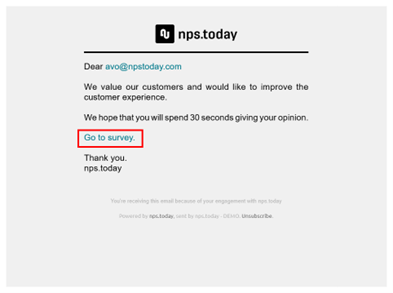
Remove question and rating boxes in email
In the campaign editor go to “Anti-spam & sendout management”. Here you find the feature “Email rating visibility”.
By disabling “Email rating visibility” you remove question and rating boxes from the survey email.
If this is disabled you will need to add a survey link for the respondent to access the survey. Do this by adding “{REPLY_URL}” to your introduction text. This will provide the email with a survey link.
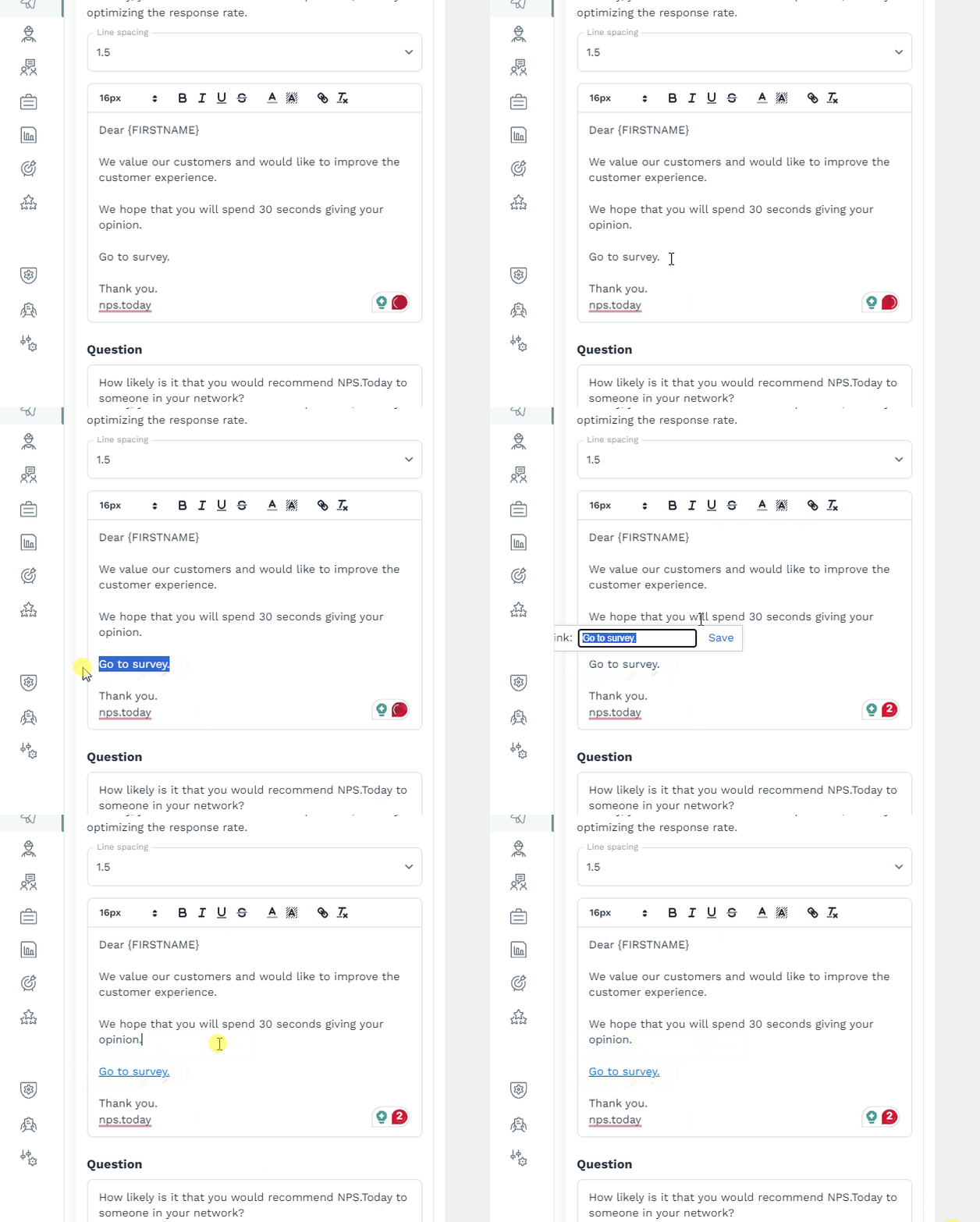
Embed reply link
Add the link as an embedded link to get a better look in the survey.
Email example
Add the link as an embedded link to get a better look in the survey.