Get started with nps.today Power BI
nps.todays standard Power BI dashboard is a plug and play solution, which requires only a few simple steps before being ready for use.
Our dashboards are delivered as a desktop file, in a standard nps.today template.
Step 1 - Desktop Power BI file is delivered
Your nps.today team will share the desktop file. Your NPS data is transferred to Power BI via API. Before delivery, nps.today will have setup the connection to your nps.today account via an API key.
Although our desktop file contains a standard template, you are free to add any customization and visualisation of your NPS feedback.
Step 2 - Publish your dashboard
You can view your NPS feedback in Power BI desktop, but we recommend that it is published to an online workspace for easier use and sharing.
The GIF below demonstrates how quick and easy publishing your dashboard is:
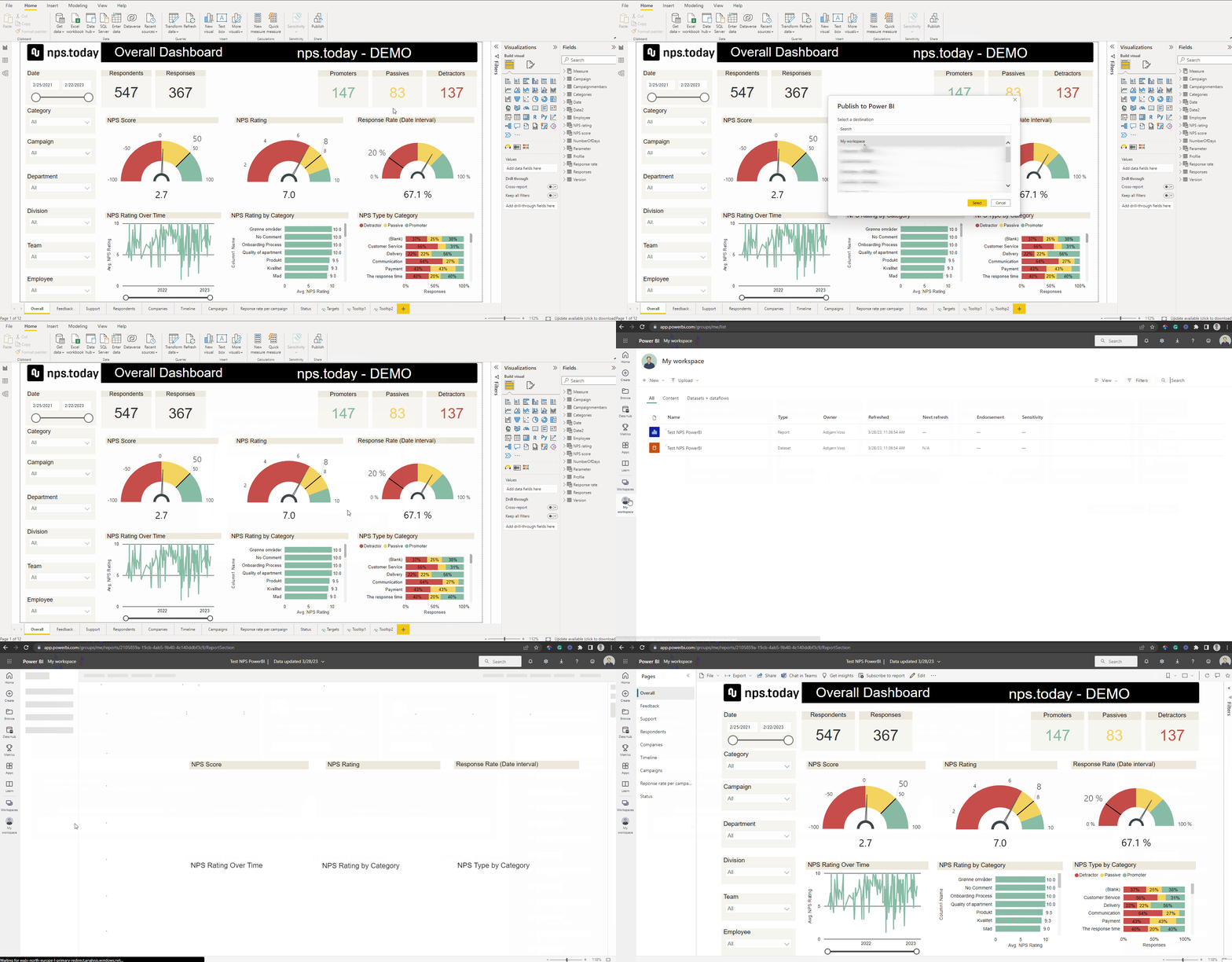
Your Power BI dashboard is now ready to use and share