Hubspot – Zapier Integration
Value Proposition
nps.today offers an integration with Hubspot via Zapier. With this, you can send surveys and trigger actions on responses in an easy way. Automate survey distribution and customer feedback workflows directly within Hubspot.
Prerequisites
To use nps.today triggers and actions in Zapier, you need:
- nps.today subscription (with API module included)
- API key (generated in nps.today)
- A Zapier account
Sending a Survey
When sending a survey, you need to define a trigger. The trigger will vary depending on your Hubspot use case and the data available.
This example describes sending a survey to a respondent on a ticket in Hubspot after the ticket is closed.
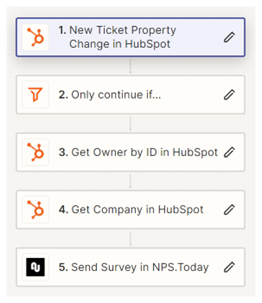
Trigger
We want to trigger a survey after a ticket is closed in Hubspot.
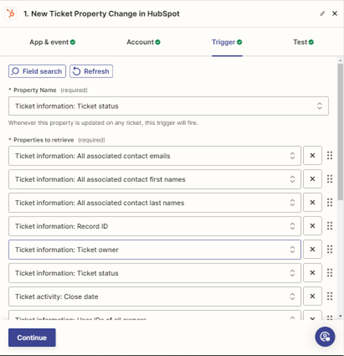
Choose the Hubspot event: “New Ticket Property Changes”.
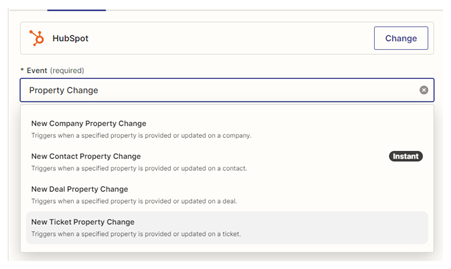
In the Trigger section the Property Name Ticket information: Ticket status is selected.
In the section “Properties to receive” we define the data from a ticket we like to work with.
Data like contact email or phone number, Record ID, and Ticket Owner is essential to send the survey, track the related record, and identify the responsible employee.
You can of course add all the data that is available and relevant for you.
Filter
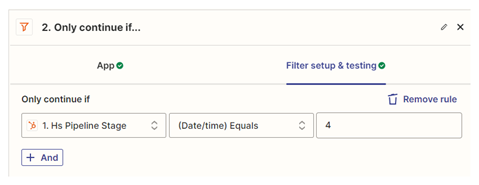
We don’t want surveys for every updated ticket, only when they are closed.
Use a filter:
- Example: Pipeline stage = 4 (Hubspot’s closed status).
Get More Data
Triggers provide limited data. You can use Zapier Hubspot actions to fetch more details.
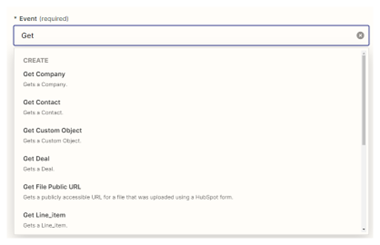
For example, we can get more information on the ticket owner to get the name and email if needed. For this the Event “Get Owner by ID” is used.
For this action the Owner ID is required to get more information. This information is available in the trigger.
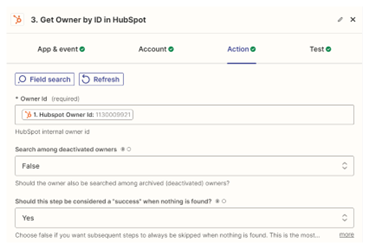
We now do the same on Company to get more information on the company.
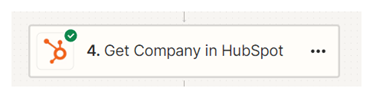
Send the Survey
For sending the survey the Send survey in nps.today action is used. For logging in to nps.today via Zapier you need a APIKEY from nps.today. Write it as shown below, but with your own {apikey}.
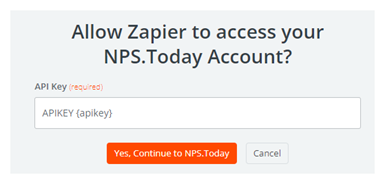
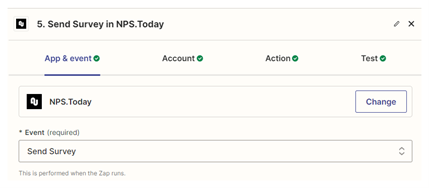
Now choose the Event Send survey.
In the Action section start by choosing the Campaign that should trigger a survey.
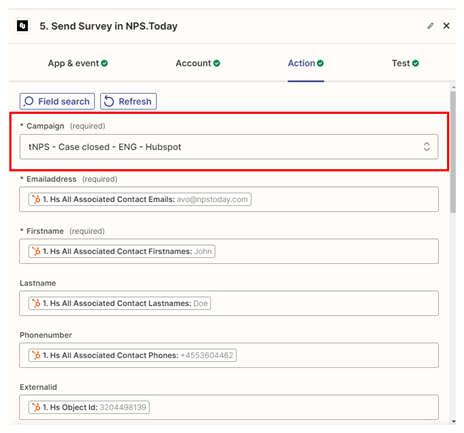
Start to map data (First name, Email, Phone, etc.) from our previous steps in your Zap.
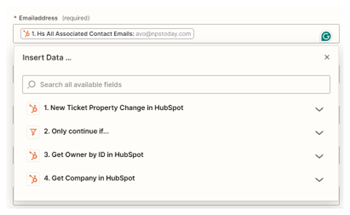
A first name and either email or phone number is required depending on whether it’s an email survey or SMS survey.
Save the Zap.
Congratulations!
You are now sending a survey automatically after a ticket is closed.
Create a Task in Hubspot on New Response
You can create a Hubspot task when a new response is received in nps.today by using our New response event.
Example: Create a task for the ticket owner when a response rating is between 0–6.
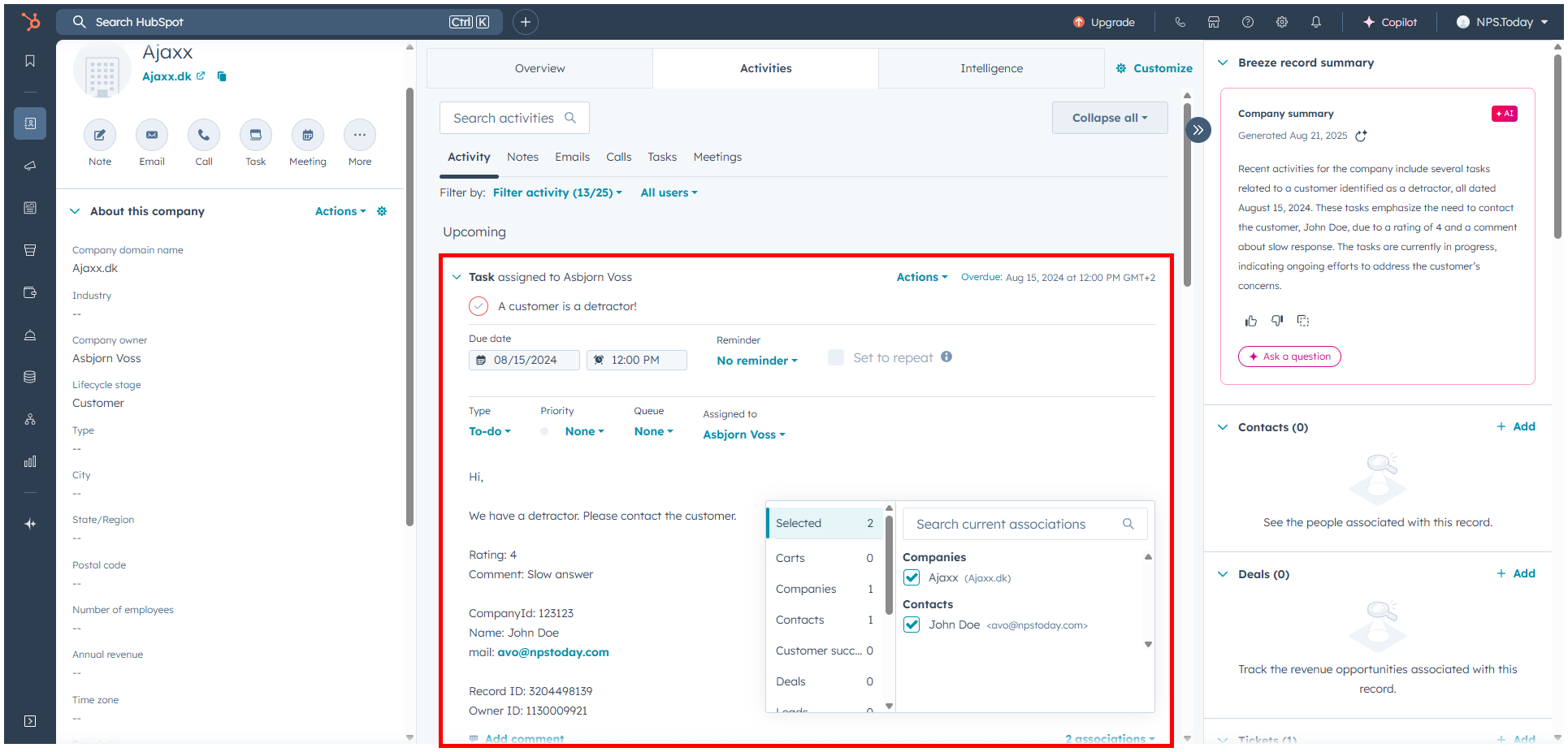
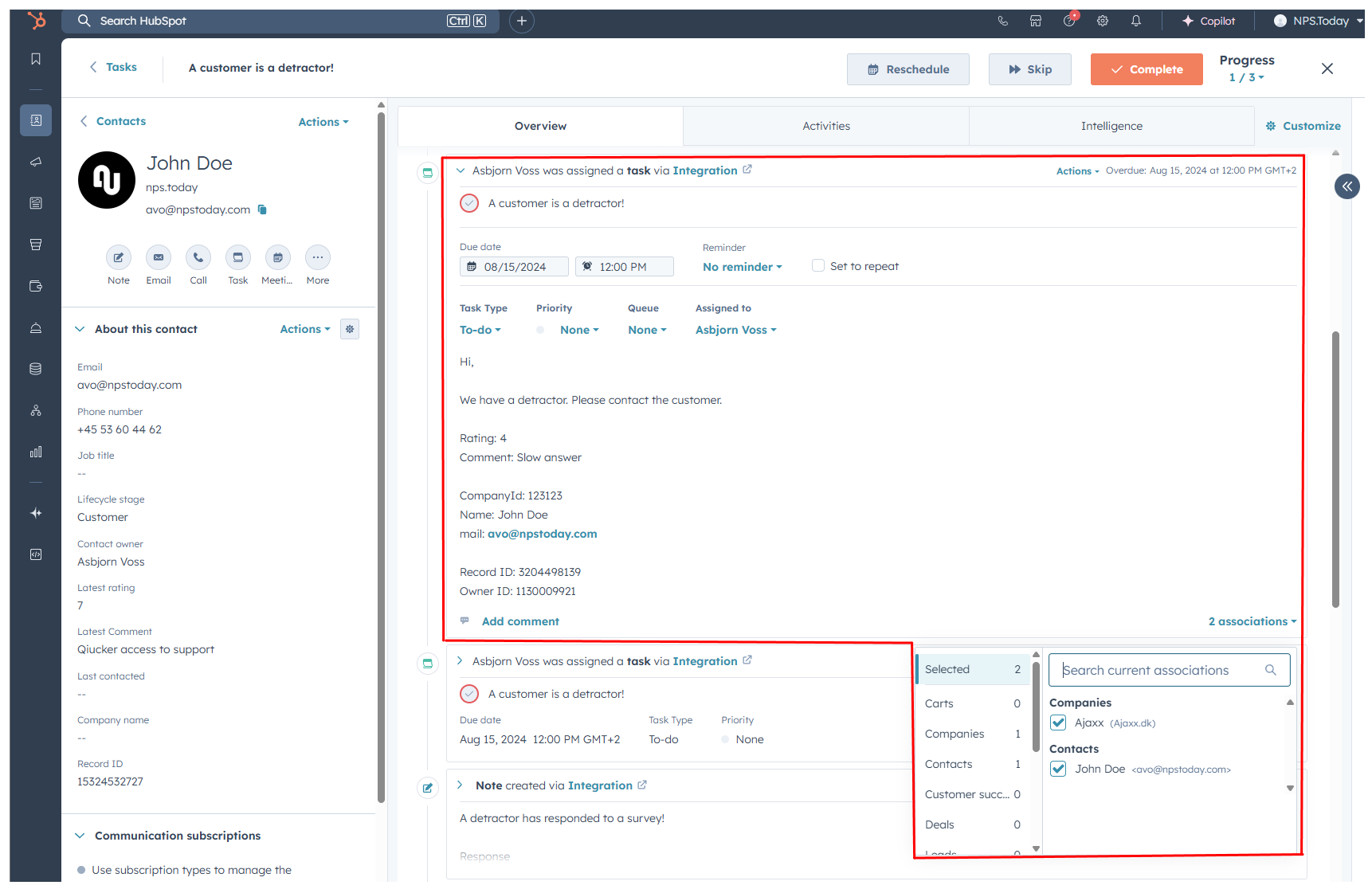
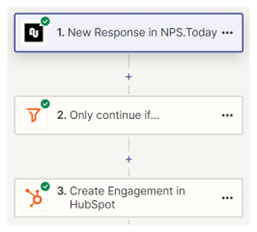
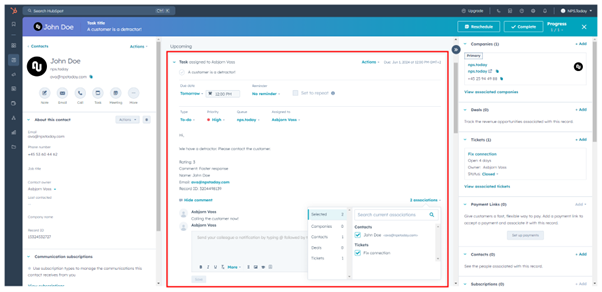
An automated task could look like this.
Flow:
Hubspot task:
Task Trigger
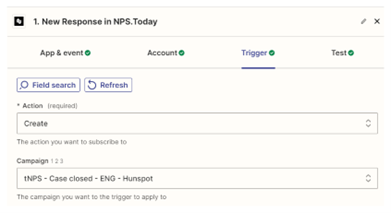
Choose the nps.today event: New Response.
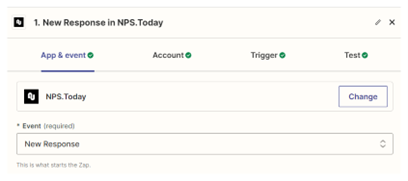
- Select the trigger action: Create
- Pick the campaign your Zap will listen to.
Task Filter
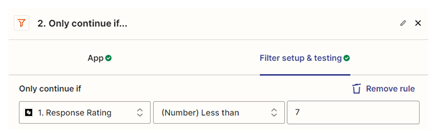
Apply a filter:
- Only trigger when rating = 0–6
Create Task
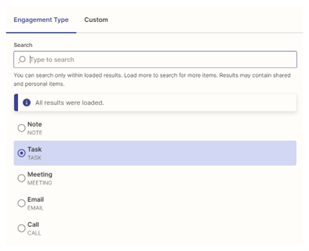
Choose the action: “Create Engagement”.
- Engagement type: Task
- Use response data from the nps.today trigger to customize the task
Other engagement types are available: Note, Meeting, etc.
The data available from the trigger is dependent on what data is mapped on survey triggered from Hubspot/Zapier using the nps.today “Send survey" app.
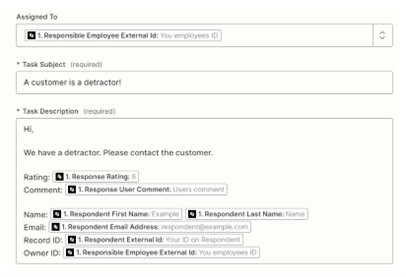
Tasks can be associated with objects such as Owner, Ticket, Company, and Contact, hence why we need as much data as possible when sending a survey and mapping data. See the chapter Send the survey.
Set due dates and task status.
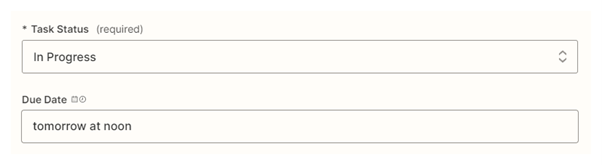
In this case we have associated an Owner, Ticket, Company, and Contact.




Congratulations!
You now create a Hubspot Task whenever a response between 0–6 is received on a specific campaign in nps.today.
Other Hubspot Automation ideas
Send Survey Triggers
- Deal Won: Send survey after a deal is won
- New customer: Send survey when a company has the Lifecycle stage = Customer
- Relational NPS: Send yearly or quarterly relational surveys
New Response Triggers
Add rating and comment to a ticket
Add rating and comment on a custom field on a related record.
In this case a ticket.
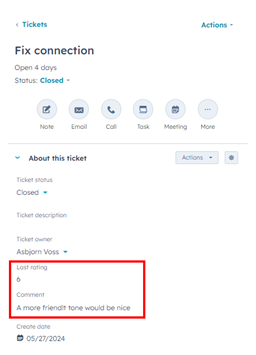
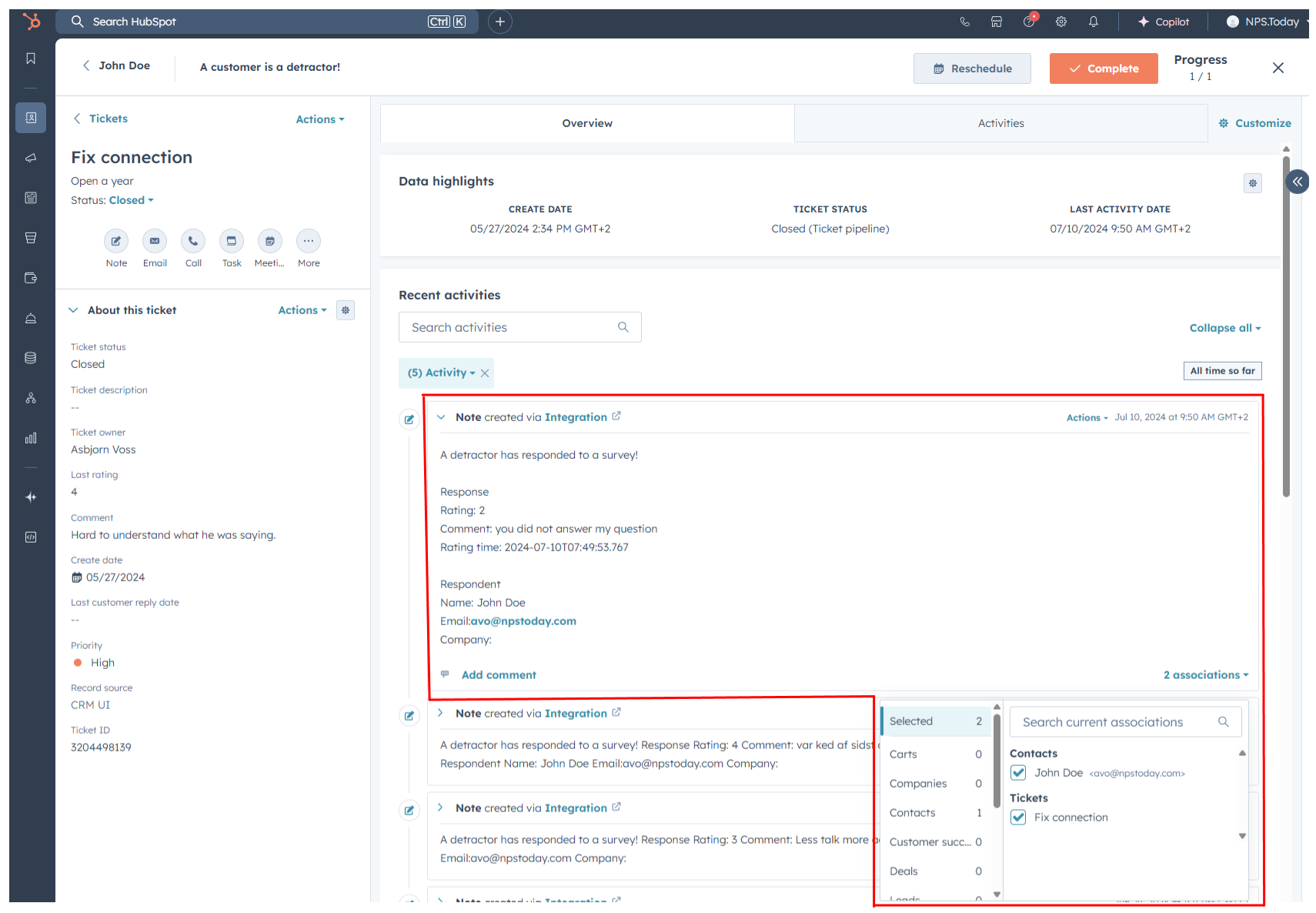
Add a note with response information on a ticket
Create a note with response information on a related record.
In this case on a ticket.
Add rating and comment to a Contact
Add rating and comment on a custom field on a related record.
In this case a contact.
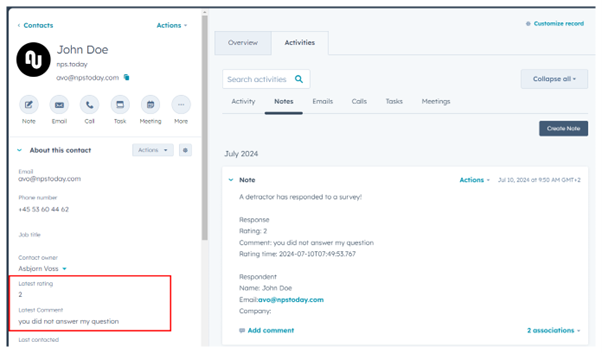
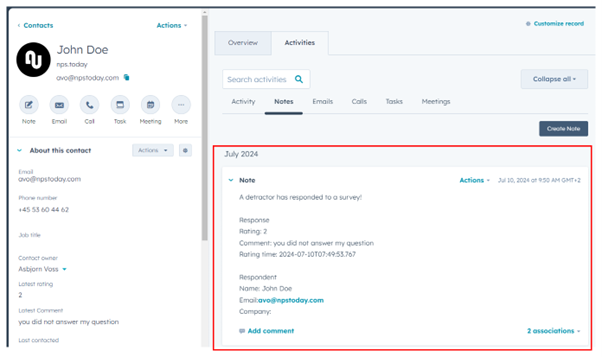
Add a note with response information on a Contact
Create a note with response information on a related record.
In this case on a contact.
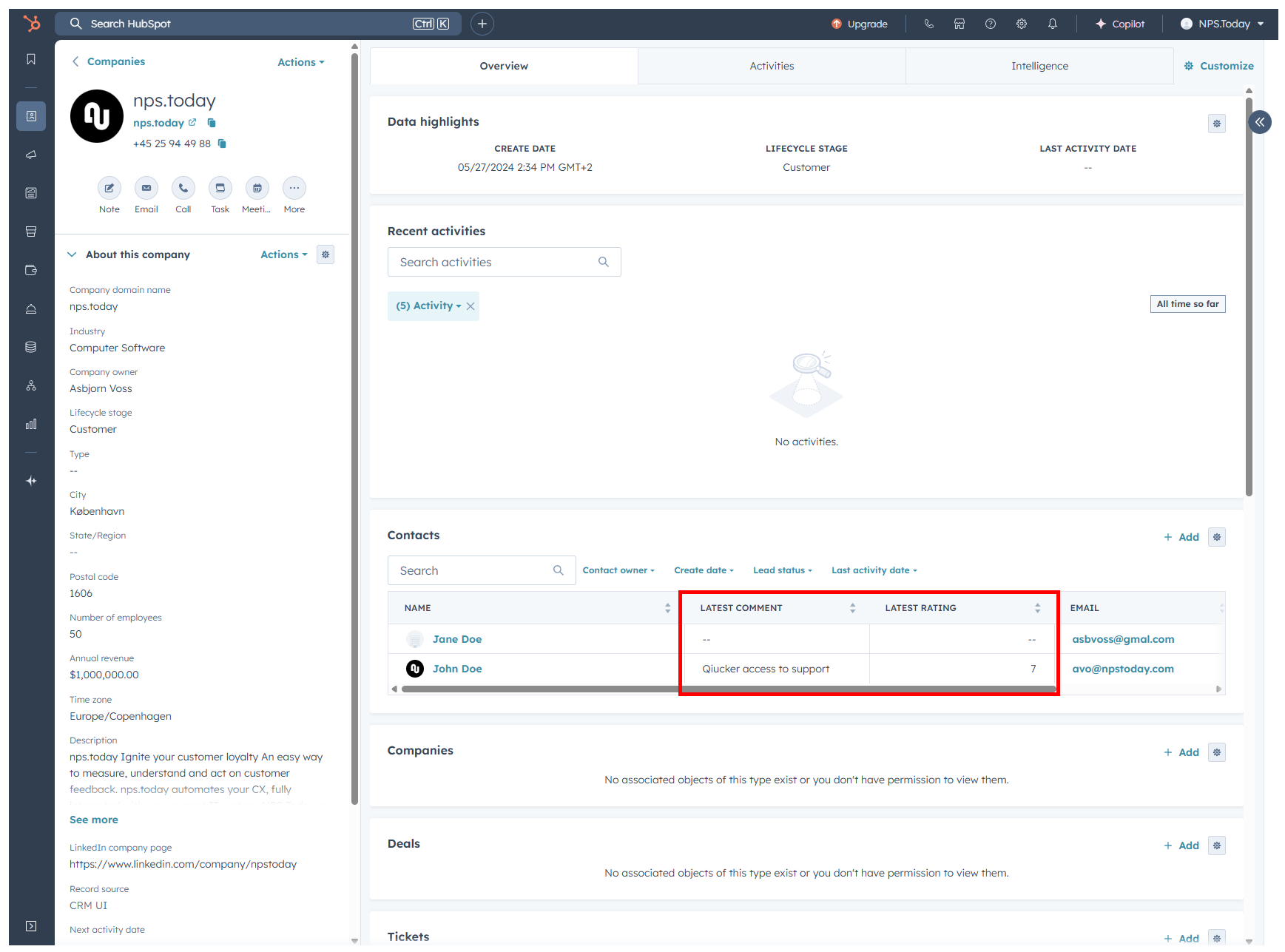
View Contact responses on Companies
With the feedback added to a custom field on Contacts, these can be shown on a Company as well.
Automated Tasks on Hubspot records
Automated Tasks on Hubspot records
Automated Hubspot Tasks can be linked on Hubspot records when responses are received.
In this case it is on a Contact and Company.