Dynamics 365 Product Card
Product Overview
| Label | Description |
|---|---|
| Product Name | nps.today for Microsoft Dynamics 365 |
| Version | 2 |
| Product Type | Plug-in |
| Target Audience | Companies using Microsoft Dynamics 365 |
Value Proposition
nps.today is the leading NPS-based, omnichannel survey engine for Dynamics.
Automate your customer experience program across Customer Insights, Customer Service, and Sales, as well as your other IT systems, with minimal IT costs.
This enables you to gather survey responses from your other systems in Dynamics through nps.today as your survey engine.
Product Description
Automated and operational NPS.
Get customer insight with relevant surveys. Push responses in real-time to Contacts and Accounts and recover bad experiences with alarms and actions.
MEASURE
- Set up and manage branded surveys
- Set up survey triggers based on data or events in Dynamics
- Set up survey triggers in other customer systems like Zendesk, Genesys, Dixa, etc.
UNDERSTAND
- Make NPS responses visible to all Dynamics users on both Contacts and Accounts
- Make NPS responses visible in all your other customer systems like Zendesk, Teams, Slack, and Outlook
- Identify trends with manual or AI-based tagging/categorization
- Analyze NPS responses in your favorite BI system, including the plug & play app for Power BI
ACT
- Set up automated alerts and notifications based on NPS responses and CRM data
- Automate 1:1 follow-up tasks for teams or employees, including escalations
- Automate NPS follow-up flows in Dynamics
Key Features
Send Survey
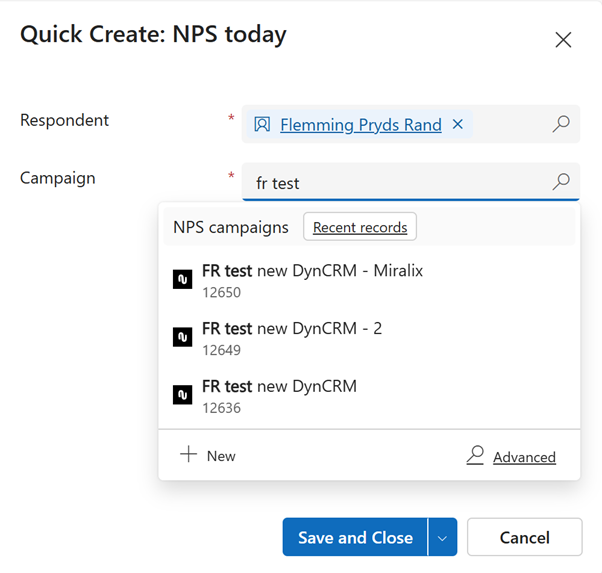
Manual surveys
Send surveys manually through Dynamics interfaces.
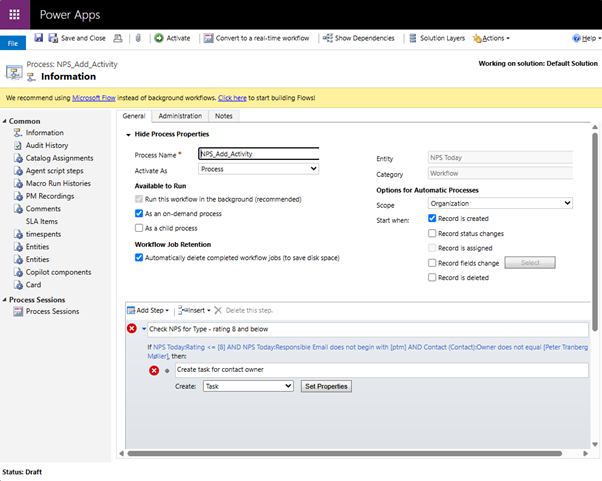
Automated surveys
Utilize Process Builder to automate survey send-outs.
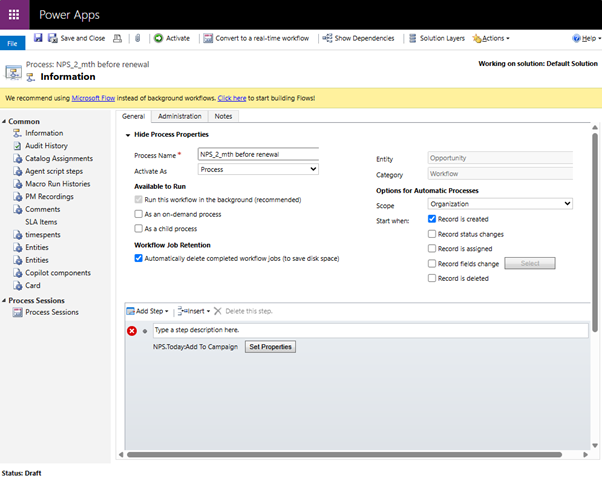
Utilize Cloud Flows to automate survey send-outs.
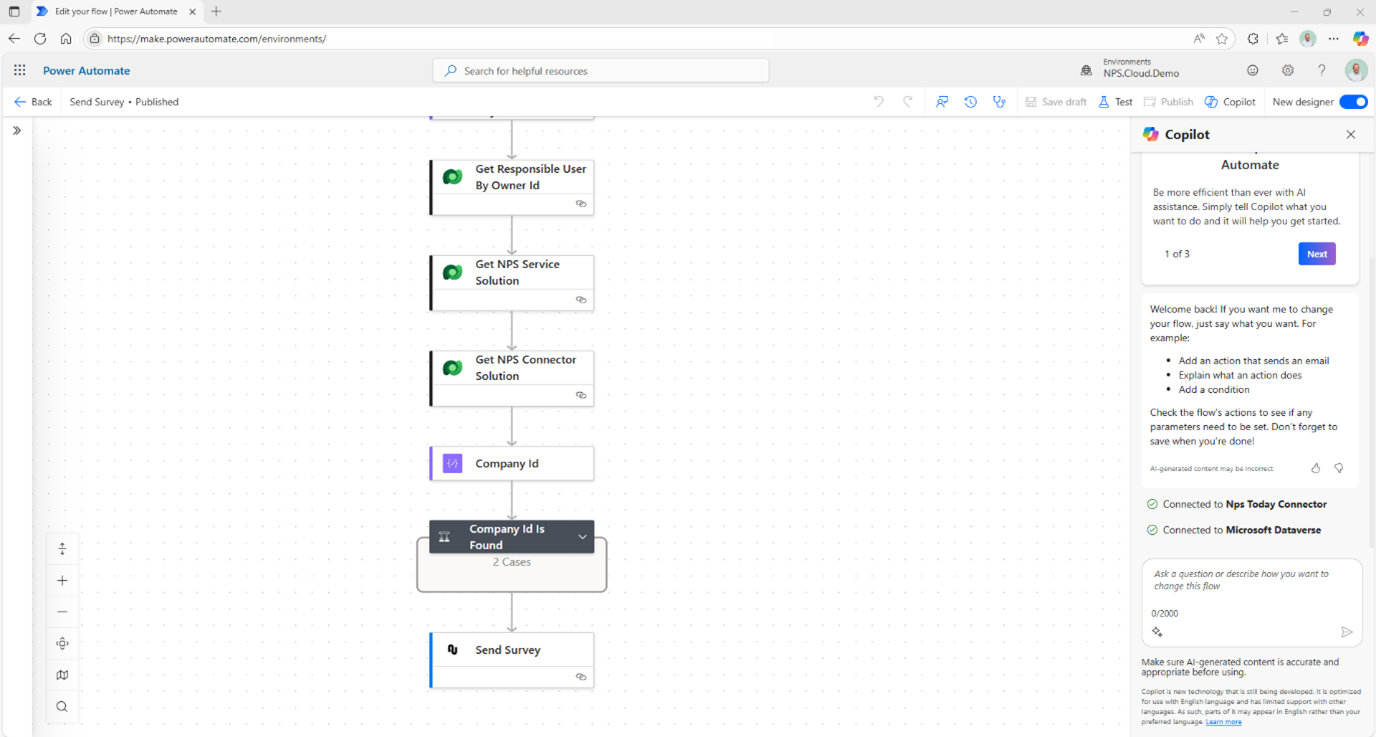
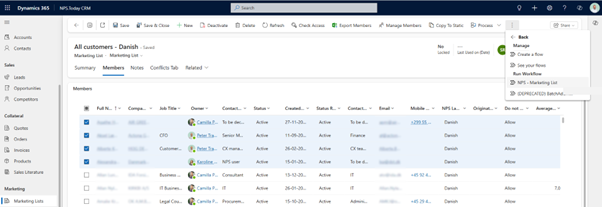
Marketing lists / Surveys to lists of contacts
Send surveys to Dynamics marketing lists or specific contact lists.
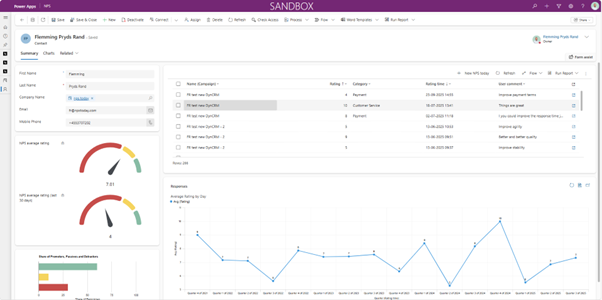
View Response Data on Your Dynamics Pages
Contact View
Responses from all channels and cross-platform sources are visible on the Contact.
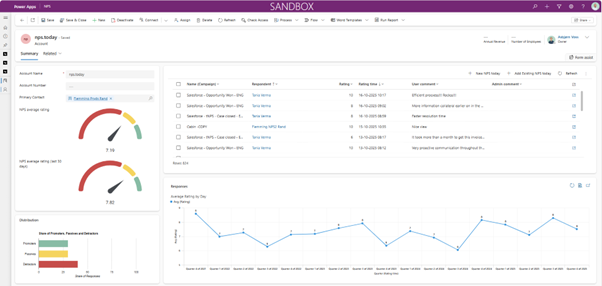
Account View
All and aggregated responses from associated contacts, channels, and cross-platform sources are visible on the Account.
Close the Loop
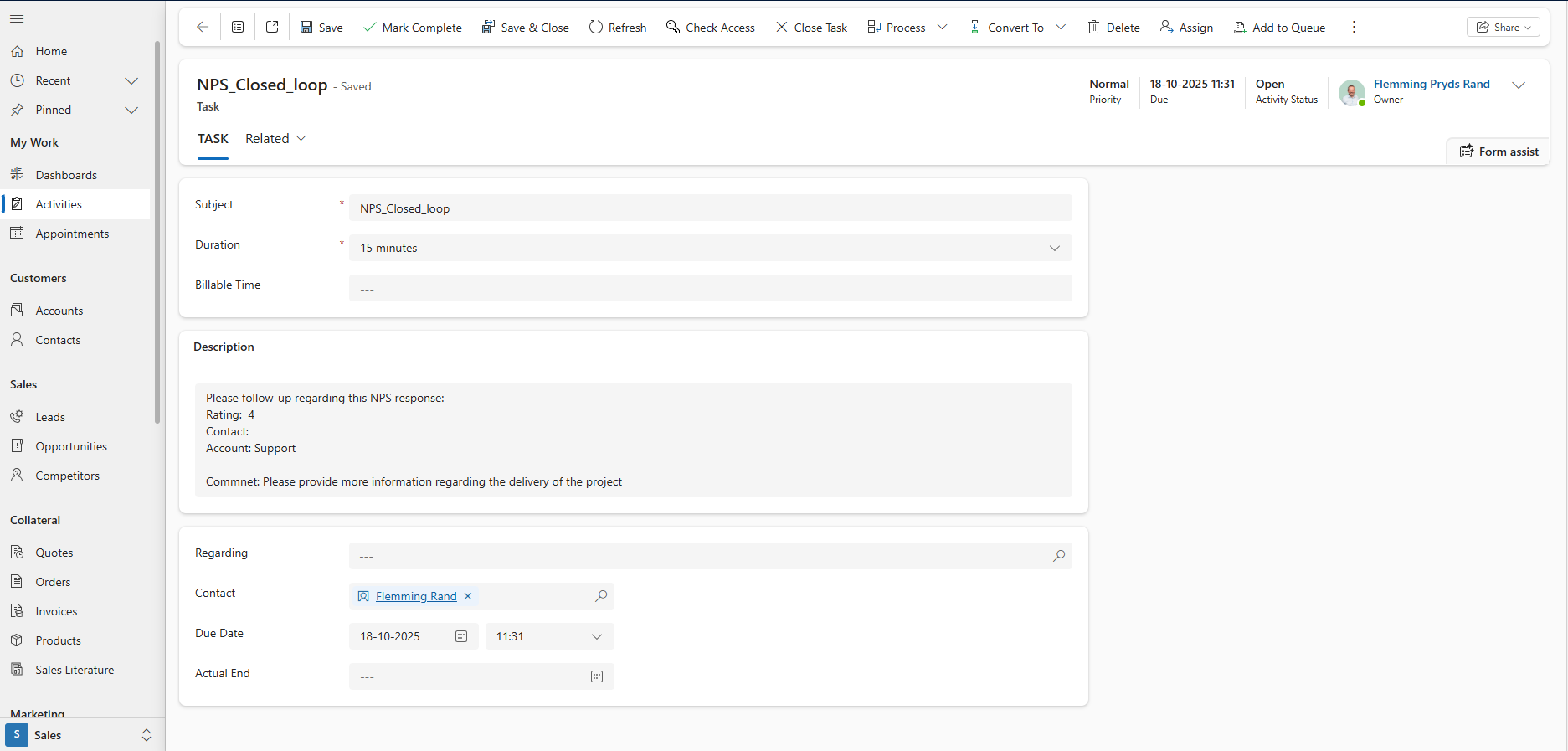
Automated activities based on responses
Create activities based on responses and rules to ensure follow-up and escalation.