SuperOffice CRM Product Card
Product Description
nps.today is the leading NPS-based, omnichannel survey engine for SuperOffice. Automate your customer experience program across all touchpoints in SuperOffice, as well as your other IT systems, with minimal IT costs.
MEASURE
-
Set up and manage branded surveys
-
Set up NPS triggers based on data or events in SuperOffice
-
Set up NPS triggers in other customer systems.
UNDERSTAND
-
Make NPS responses visible to all SuperOffice users on both the Contact- and Company card
-
Make NPS responses visible in all your other customer systems like Zendesk, Teams, Slack, and Outlook
-
Identify trends with manual or AI based tagging/categorization
-
Analyze NPS responses in your favorite BI system, incl. the plug & play app for PowerBI
ACT
-
Set up automated alerts and notifications based on NPS responses and data
-
Automate 1:1 follow up tasks for teams or employees in SuperOffice
Key Features
Send Survey
Manual surveys
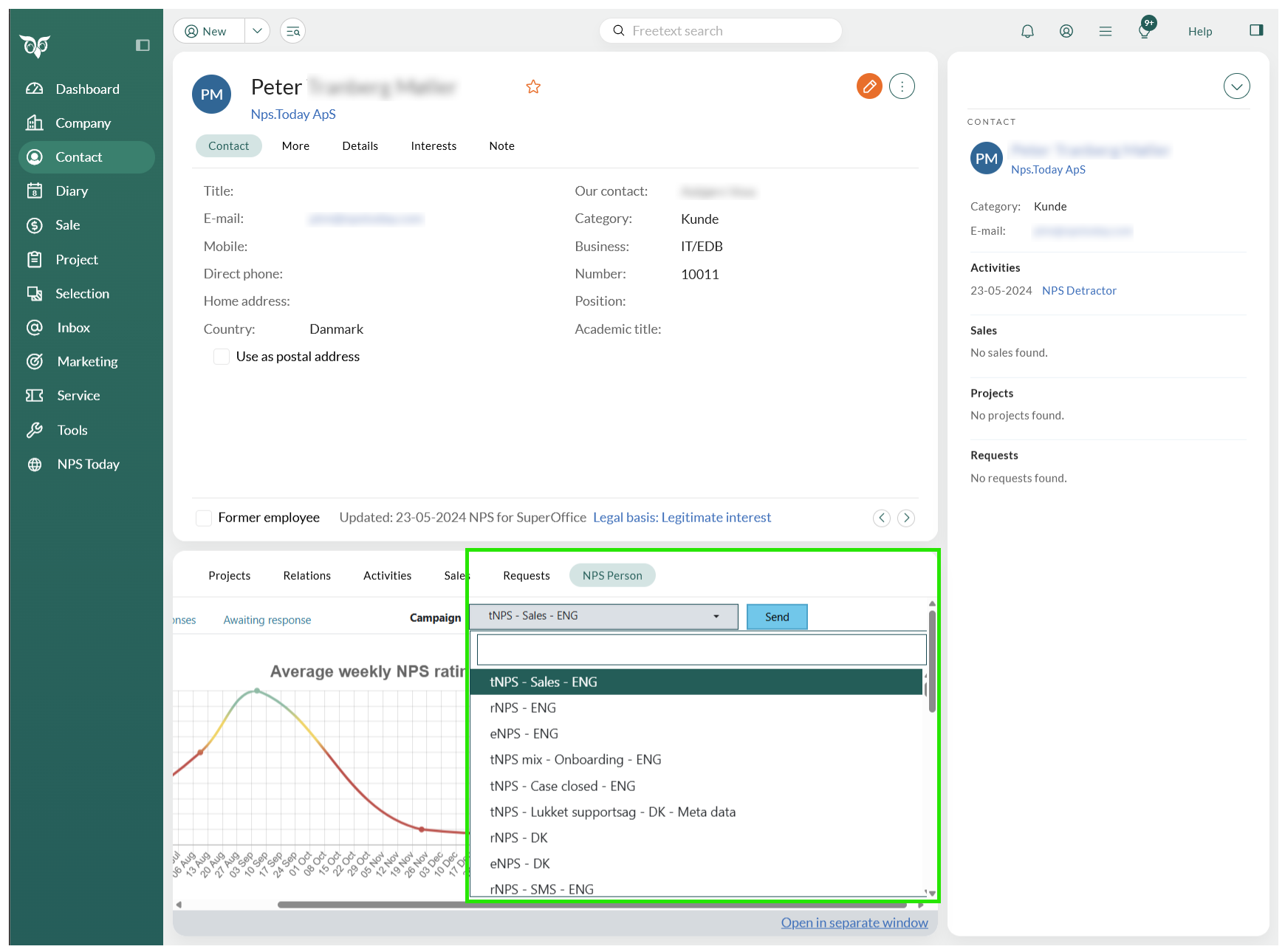
Send out surveys with a click on a button on the Person view.
Automated surveys
Automate survey send out together with nps.today and Beezy365.
Send surveys to Selections
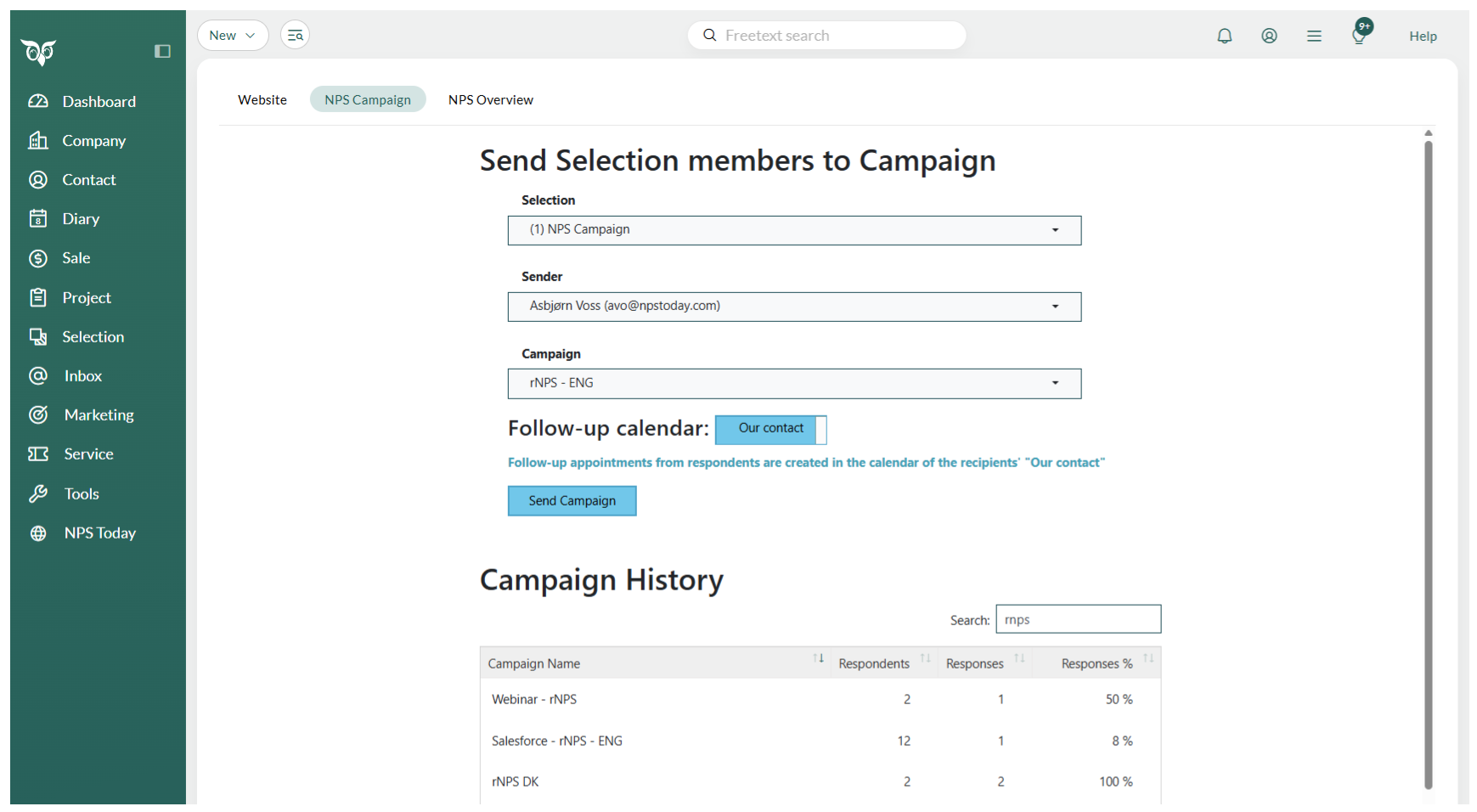
You can send out surveys to a list of contacts creating selections, that you can pick in "NPS Today" tab.
View response data in SuperOffice
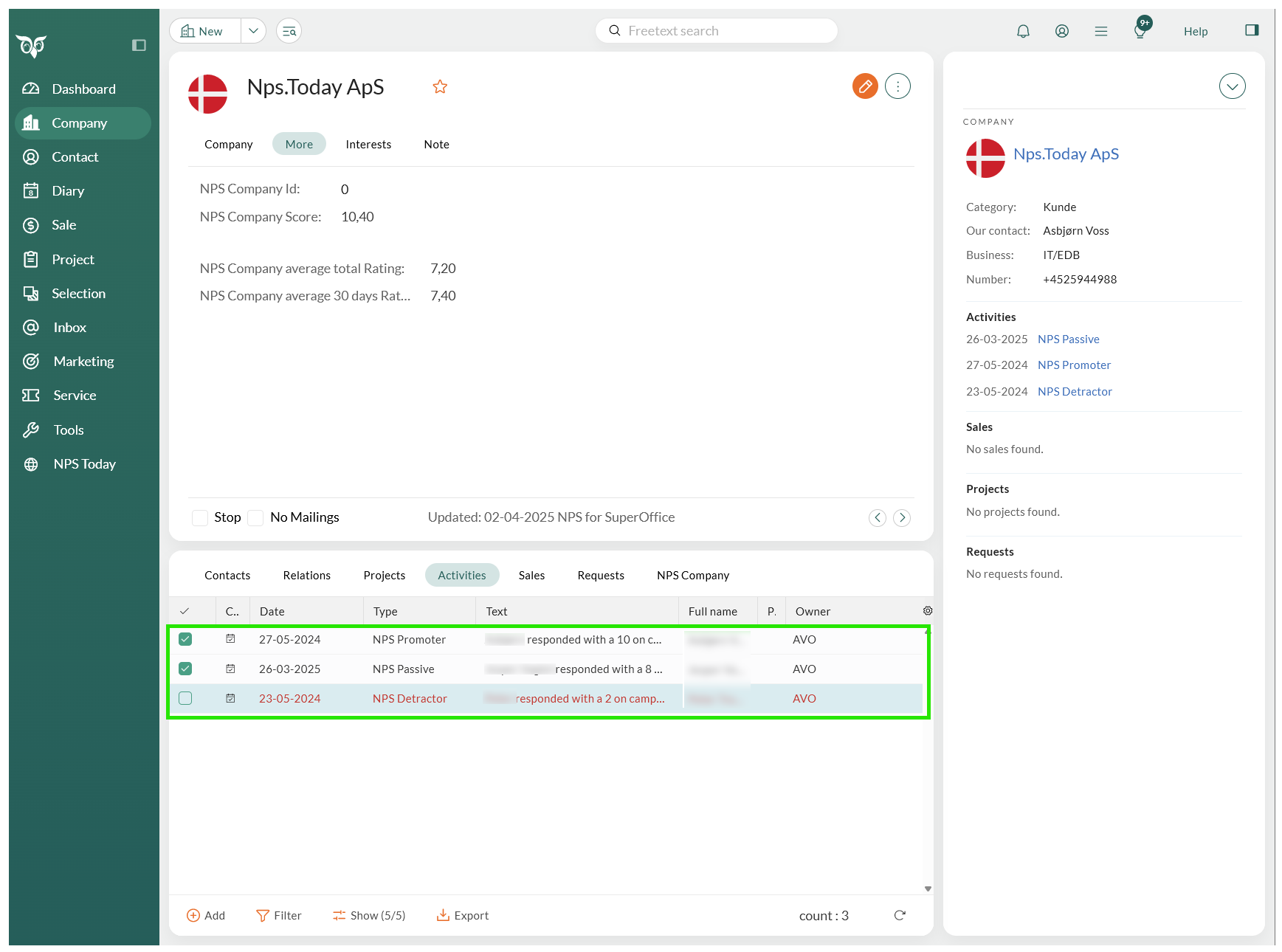
View data on Company and Contacts
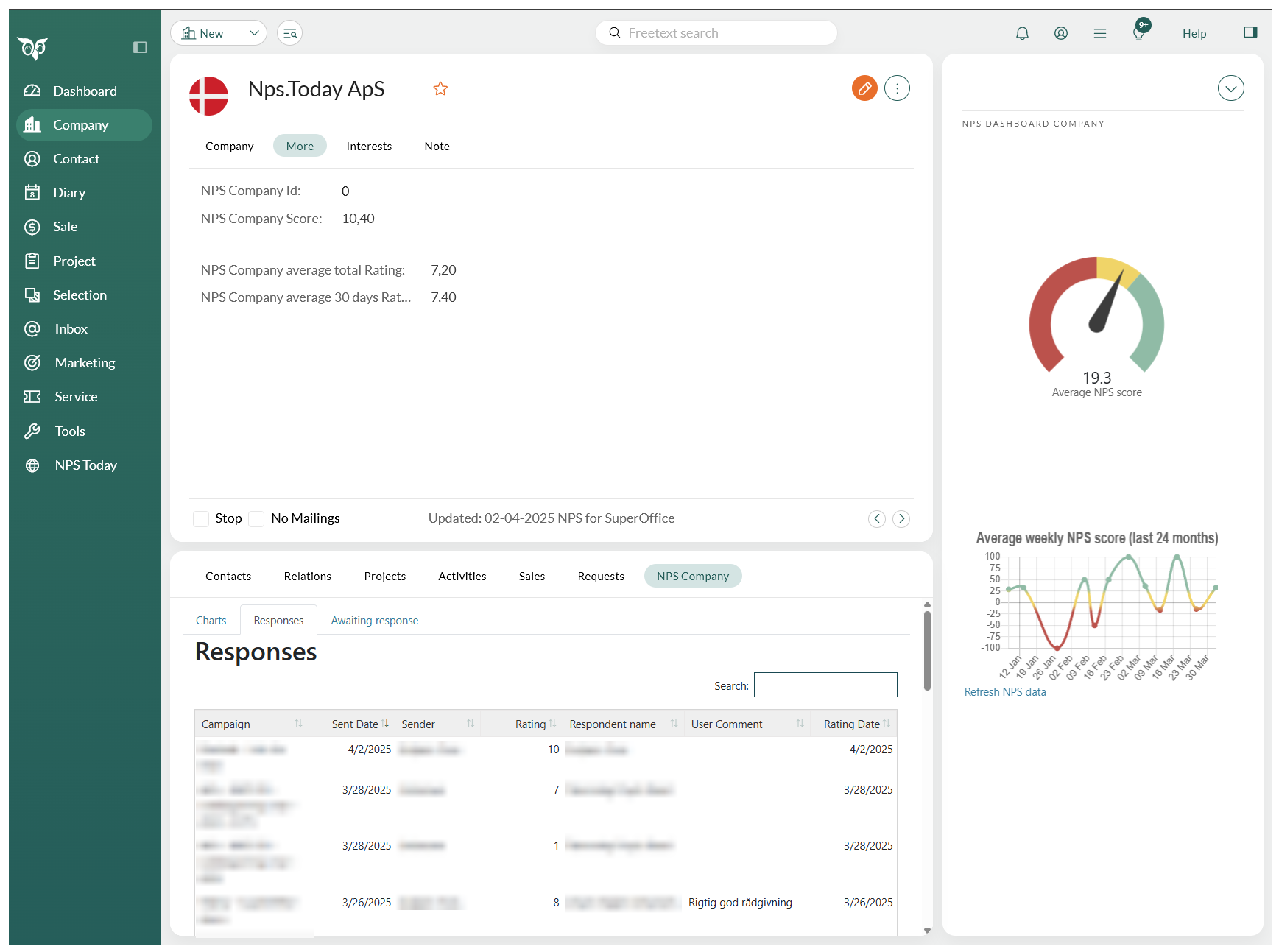
View data and charts related to a Company- or Contact.
See Company example below.
Overview
Campaign overview
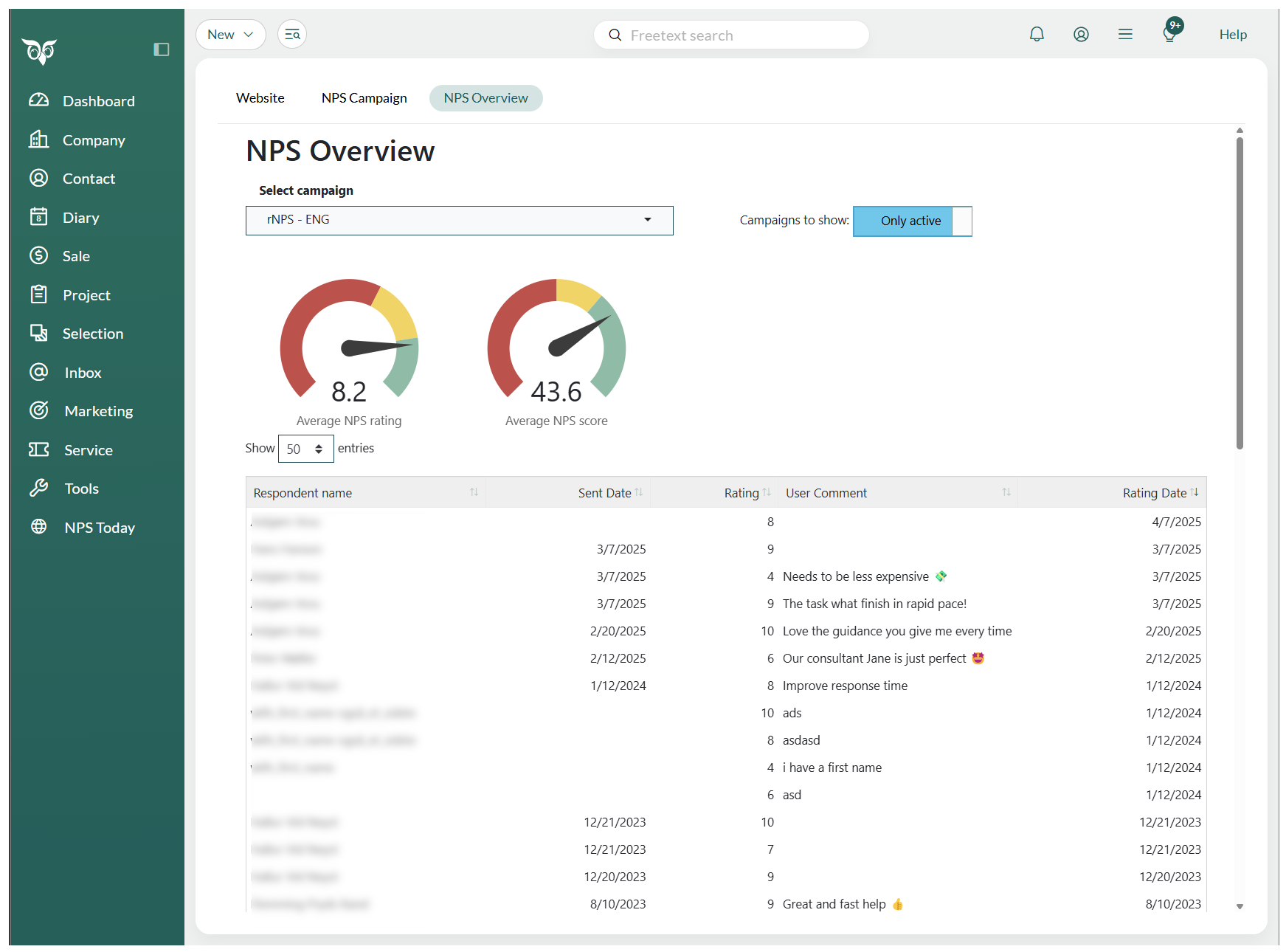
Get an overview on all your campaigns in nps.today inside SuperOffice.
Close the loop
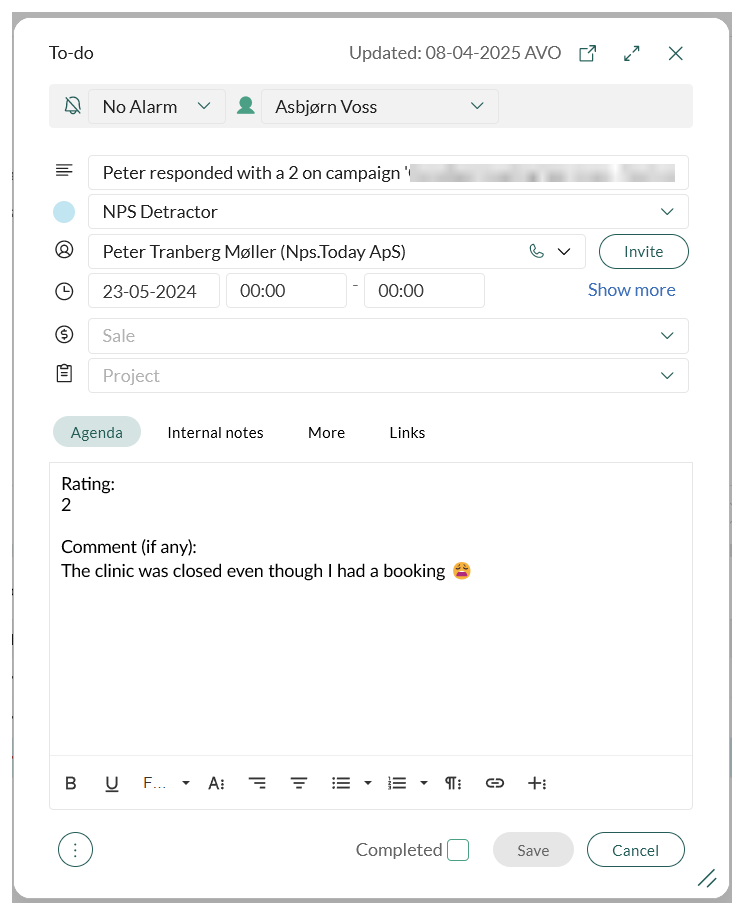
Set up automated to-dos
Create automated to-dos on incoming responses in SuperOffice.
Report and dashboard
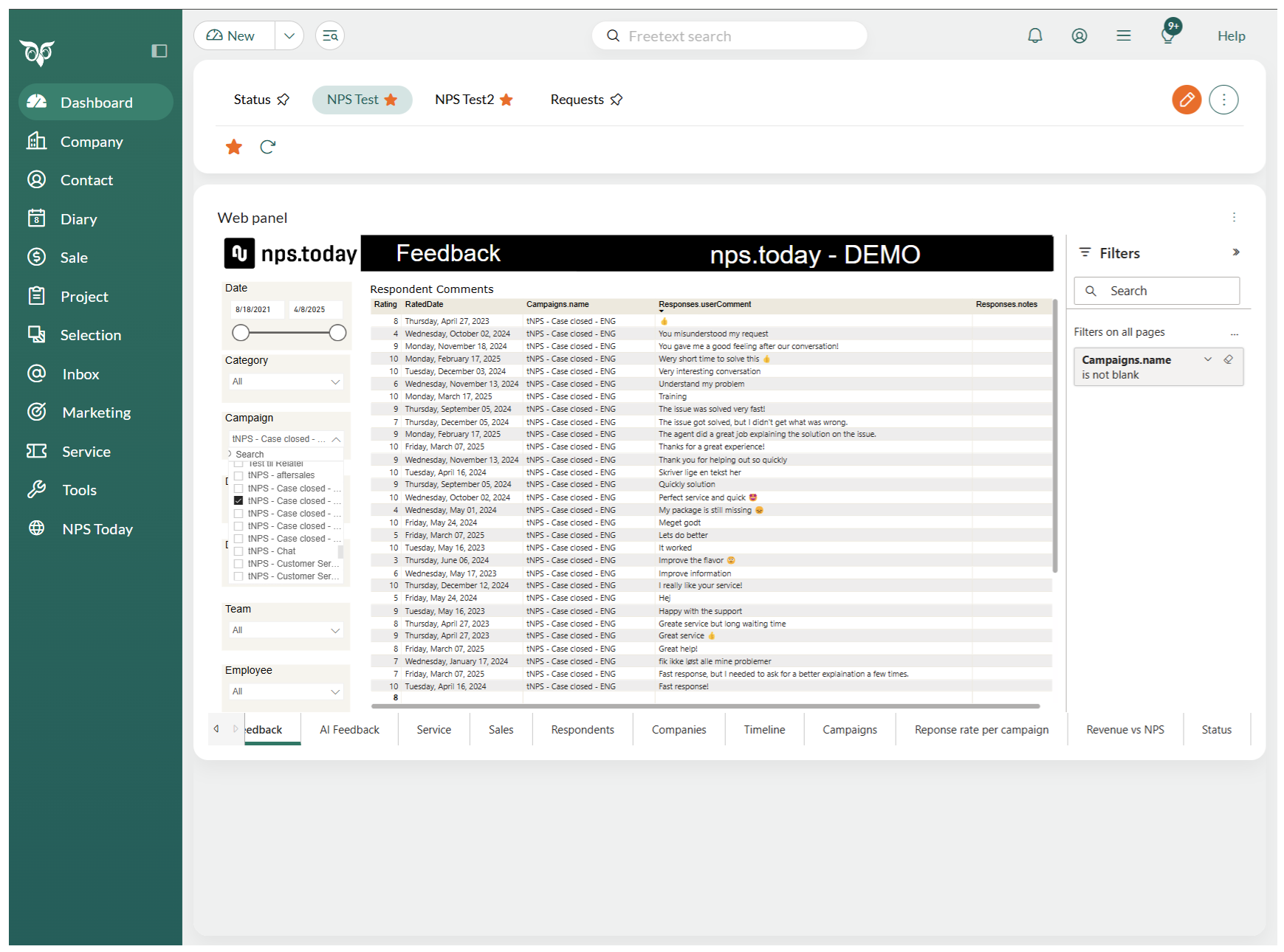
Add dashboards
Add your nps.today Power BI- or Live Web Dashboards to your Dashboard tab in SuperOffice.
Made together with Beezy365
Made together with Beezy365
This Integration is made together with Beezy365.
Visit this Beezy365 page to get more information on NPS for SuperOffice.