Support Chat
Overview
nps.today includes an integrated support chat that provides direct help while you use our products. We use Intercom as our support chat tool, combining automated answers with the ability to reach our support team when you need to talk to a person.
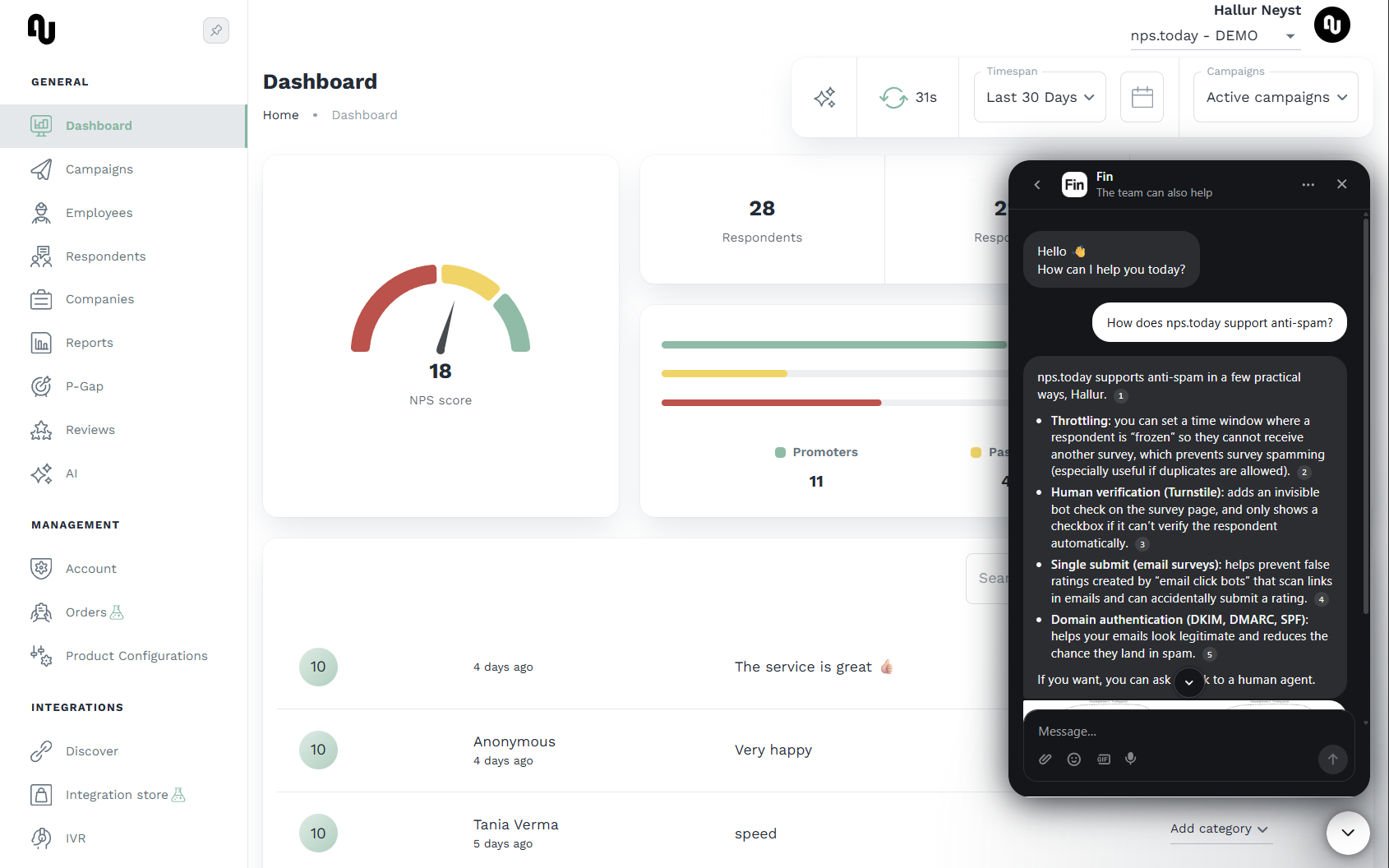
Availability
The support chat is available from the launcher in the bottom-right corner of:
- Our website at nps.today
- The documentation site at docs.nps.today
- The platform at app.nps.today for logged-in users
On docs.nps.today and nps.today the support chat starts an anonymous visitor session. When you are signed in to app.nps.today, the conversation is associated with your account so our support team has the context needed to help.
Note
Automated answers are based on the content available within the public documentation on docs.nps.today. For account-specific questions, the conversation can be handed over to our support team.
How it works
- Input: Ask your question directly in the support chat.
- Processing: The support chat references the current documentation to synthesize an answer and links to the relevant source pages.
- Output: You receive a concise answer with references, and you can continue the conversation with our Support Team at any time.
Scope
The support chat is scoped for comprehensive platform support, including minor technical guidance and information about our integrations.
Privacy
On the website and documentation site, opening the support chat starts an anonymous visitor session — no account login is required to ask a question. If you choose to share your details, we use them only to follow up on your request. When you are signed in to app.nps.today, the conversation is linked to your account.
Talk to a person
You can ask to talk to a person at any time in the support chat. If no support agent is currently available, you can reach us as a fallback by emailing our Support Team directly.