P-GAP in Puzzel
With P-GAP, the agent is asked how they think the customer experienced the call, and the answer is compared with the customer's own response. In Puzzel, the agent gets the P-GAP prompt in the nps.today widget when the call has ended.
Have the right licenses
P-GAP in Puzzel is only available if your subscription includes the P-GAP and Puzzel modules.
Add a P-GAP period
To test a P-GAP period, the agent must be registered in app.nps.today. The first time the widget is used to send out a survey, the agent is created automatically.
- Go to the P-GAP section on app.nps.today.
- Click Add training session and go through the guide. Make sure the start and end dates include today's date, and that the correct campaign(s) are selected.
- Go to agent.puzzel.com and make a test call, to check that you get a P-GAP prompt when the call has ended.
By default, the call must be longer than 60 seconds to trigger a survey or P-GAP. Contact our support to change this.
P-GAP for extra questions
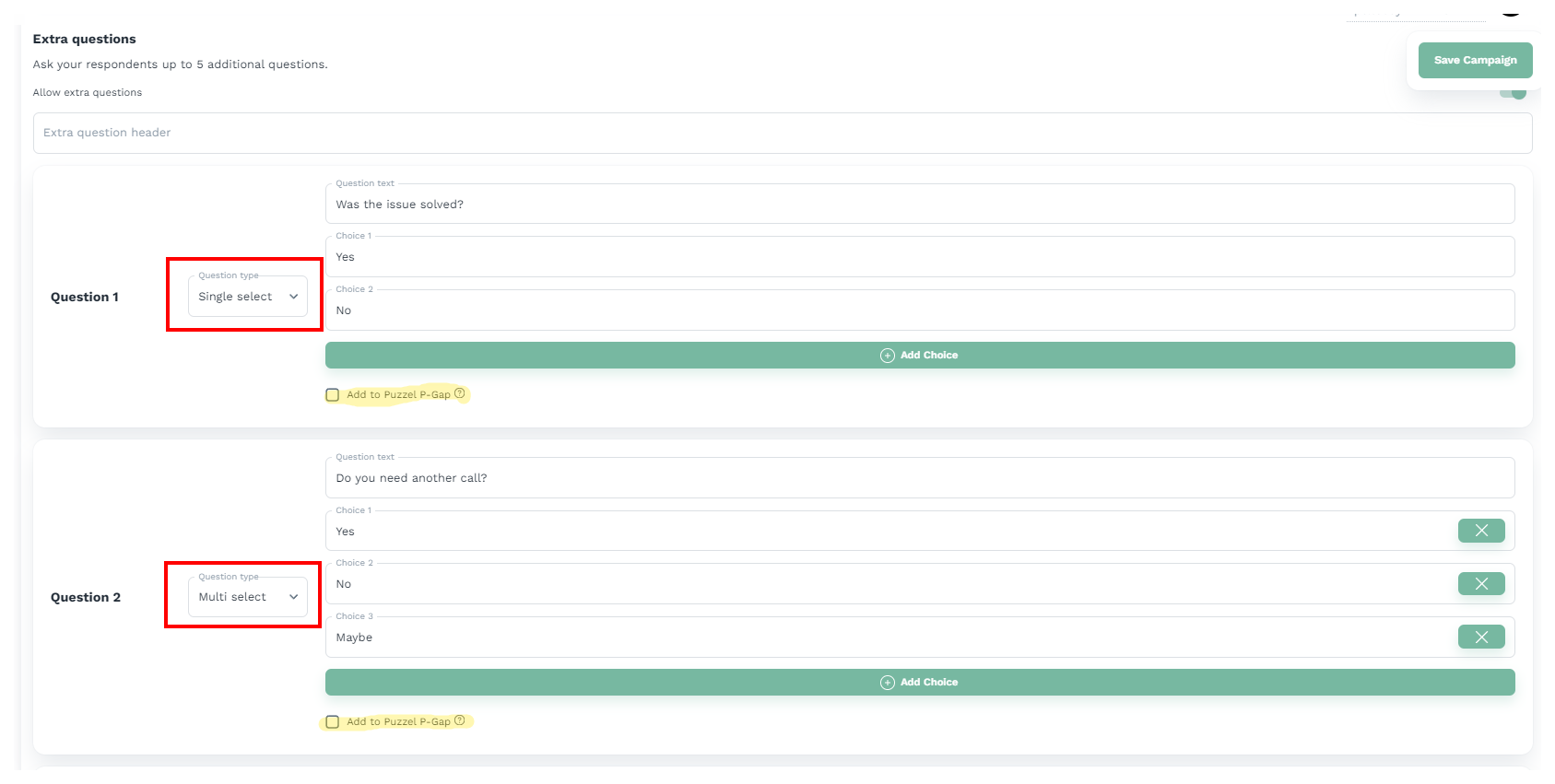
You can also use P-GAP on the extra questions of a campaign in nps.today. You turn it on in the campaign editor in nps.today, and the question is then shown to the Puzzel agent.
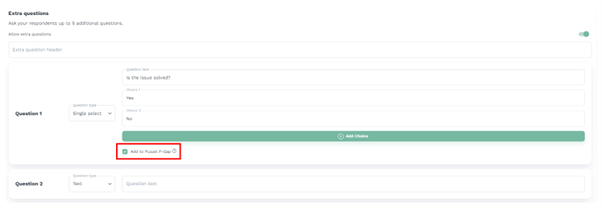
Use case
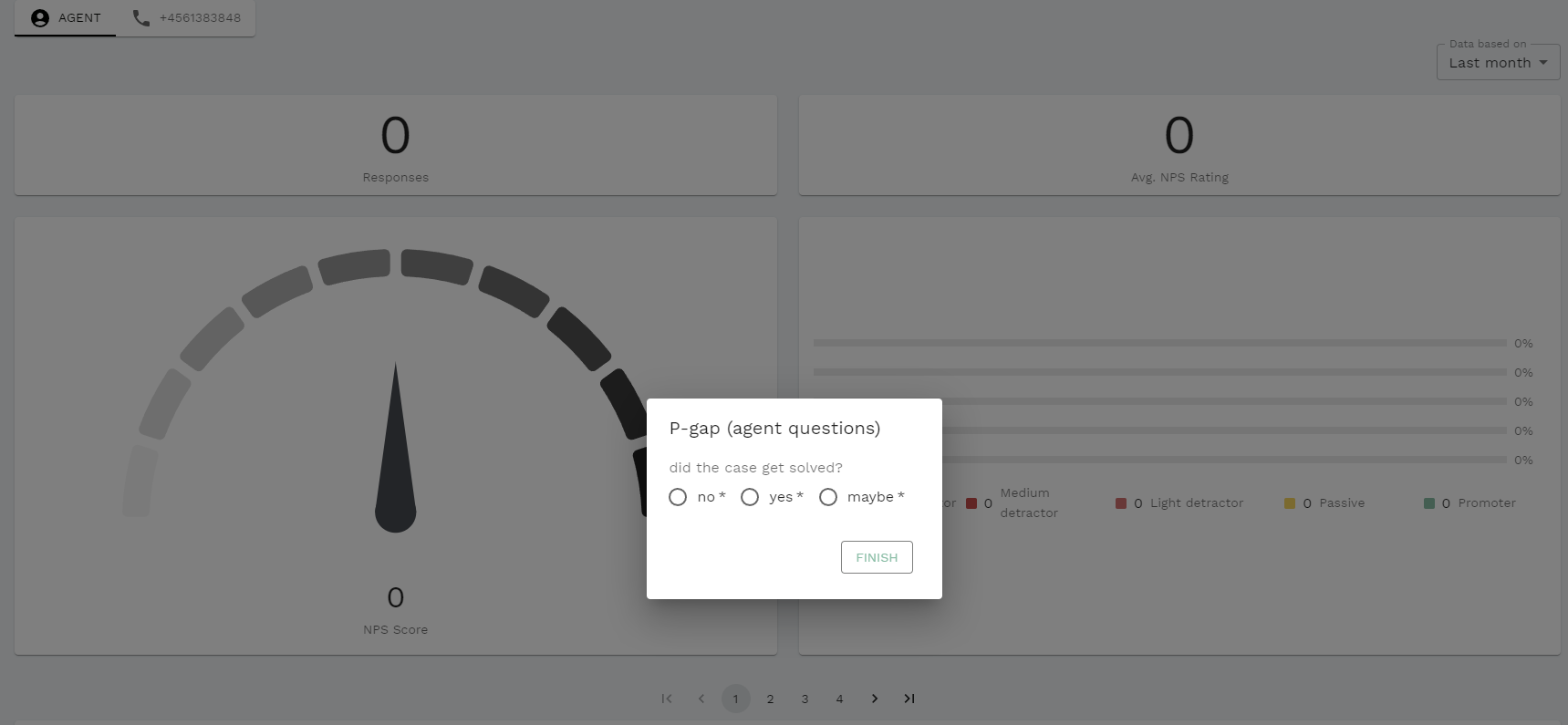
A highly relevant use case for this feature is FTR (First Time Resolution). With FTR, both the agent and the caller are asked if the problem was solved, to see if they have the same perception of the resolution.
Below you see how the agent is prompted with the question in Puzzel.
Only works for single- and multi-select
This feature is only available on extra questions using single- and multi-select.